
Besides services and parts, a work order has tabs for everything else you want to keep about the job. Select the order in the vehicle's service history and use the tabs below the summary. In each tab, Add, Edit and Delete work the same way.
Steps
-
Recommendations for the customer
In Recommendations record work the customer should do soon, such as tyres or brake pads that are close to the limit. Anyone who opens the vehicle's service history on the next visit will see them.
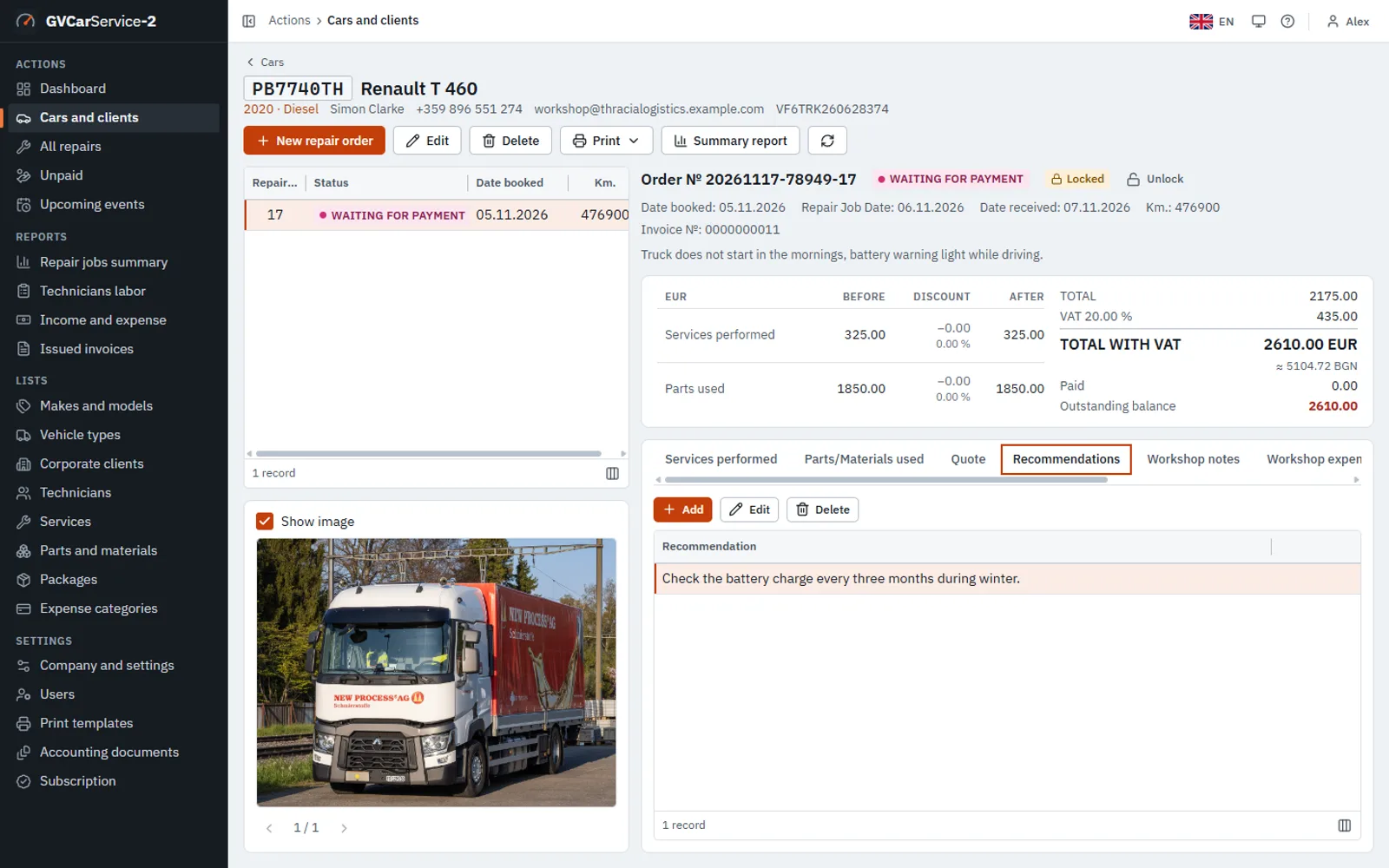
Recommendations for the customer -
Workshop notes
In Workshop notes keep internal information: measurements, findings, what was checked. These notes are for the workshop and are not meant for the customer.
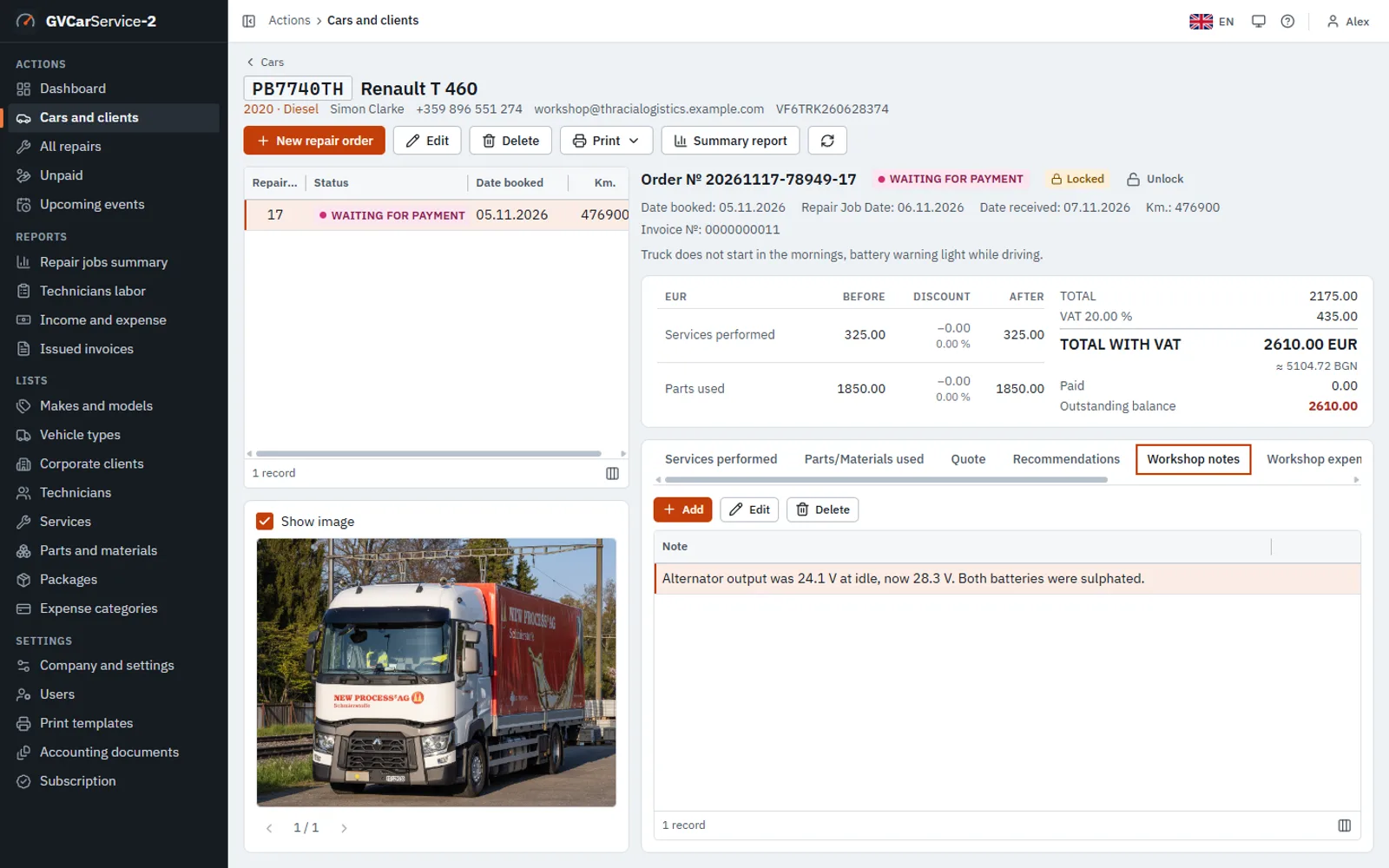
Internal workshop notes -
Workshop expenses
In Workshop expenses enter the costs of the job that the customer does not see, with a Description, Category/type and Value: for example a part bought for the job or outside work. The Income and expense report uses them to show the profit per repair. Set up the categories in Lists → Expense categories.
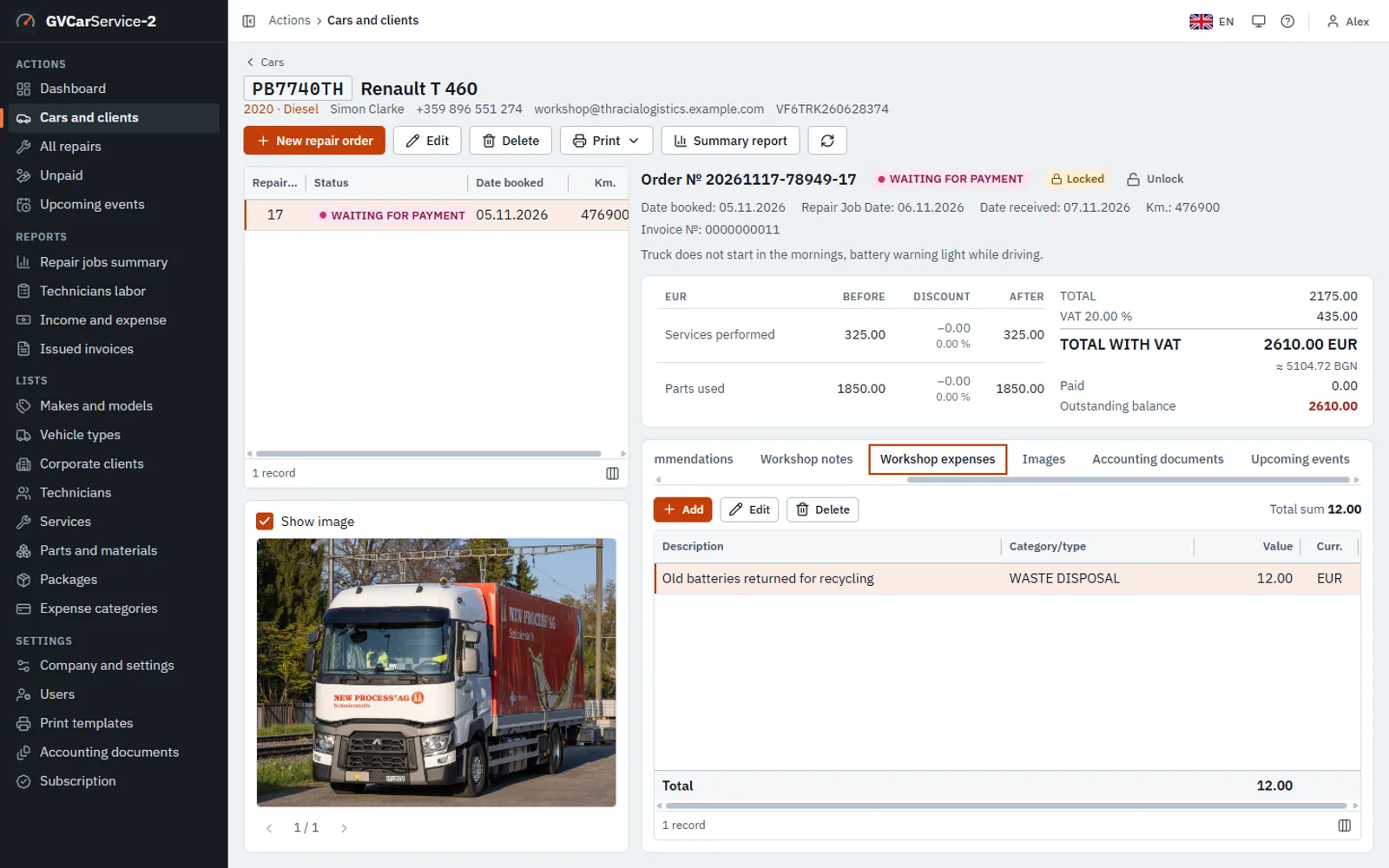
Workshop expenses of a repair -
Images
In Images click Add to attach photos of the vehicle or of replaced parts, with a description. Tick Show image to see the selected photo.
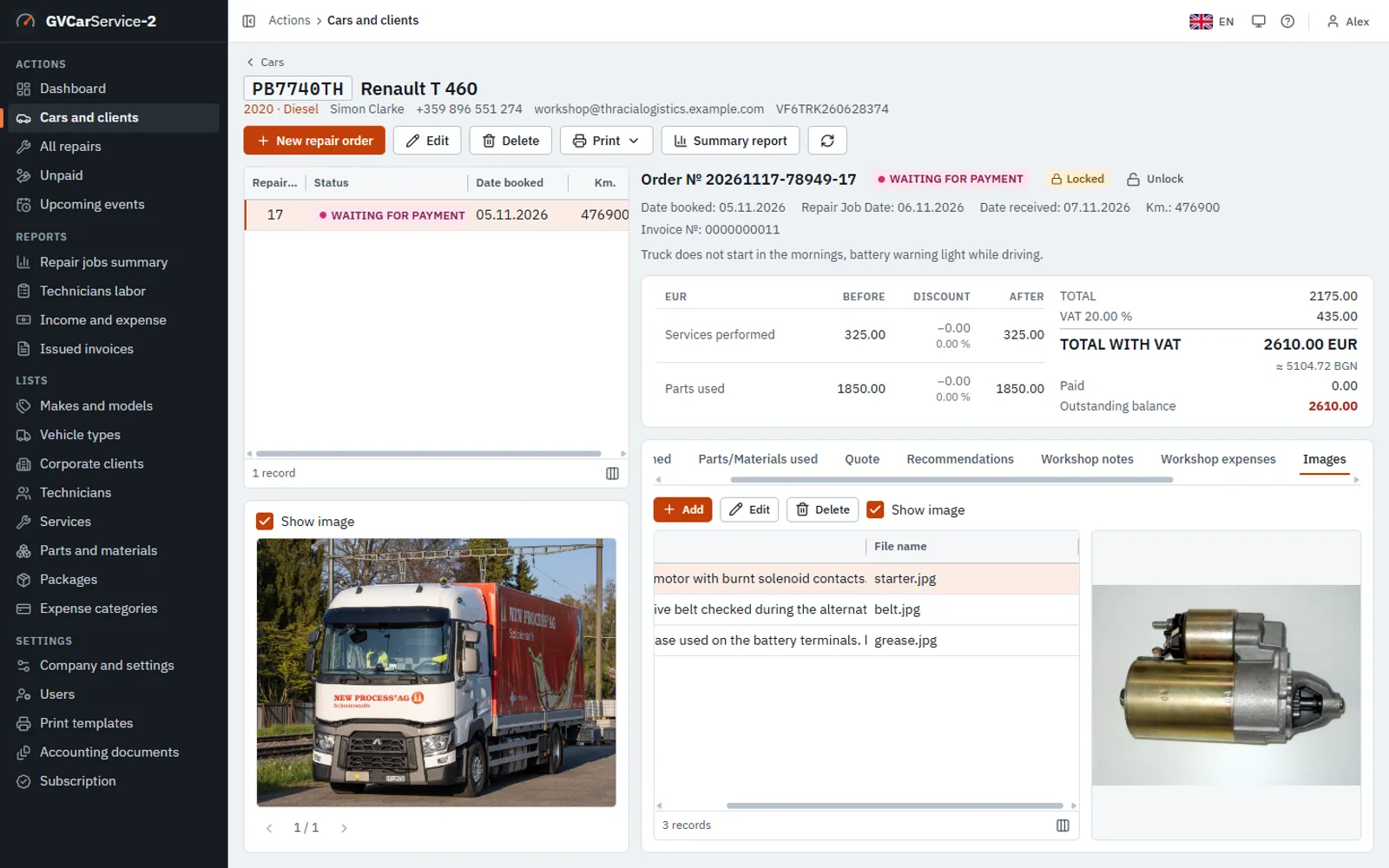
Images attached to a repair -
Upcoming events
In Upcoming events add a reminder linked to the vehicle, such as the next service, an inspection or a part to collect. Give it a Subject and a Date of event. Upcoming events appear on the dashboard and under the Upcoming events button at the top of every page. Untick Show Active Only to see completed events as well.
Result
Everything about the job stays with the work order. On the next visit, anyone in the workshop can open the vehicle's service history and see what was done, found and recommended.
Tips
- Take photos of damage when the vehicle arrives. They help if there is a dispute at handover.
- Use a reminder for every recommendation the customer postpones. It is a reason to call them back.